When the owner of a cafe or shop chooses a software cash register (PRRO), they often compare Checkbox and Goovii. But these are two different approaches: PRRO as a separate service or a venue POS and accounting system that already includes PRRO. Let’s see what you get and what it costs in each case. Prices are from the official websites as of 3 November 2026.
In short
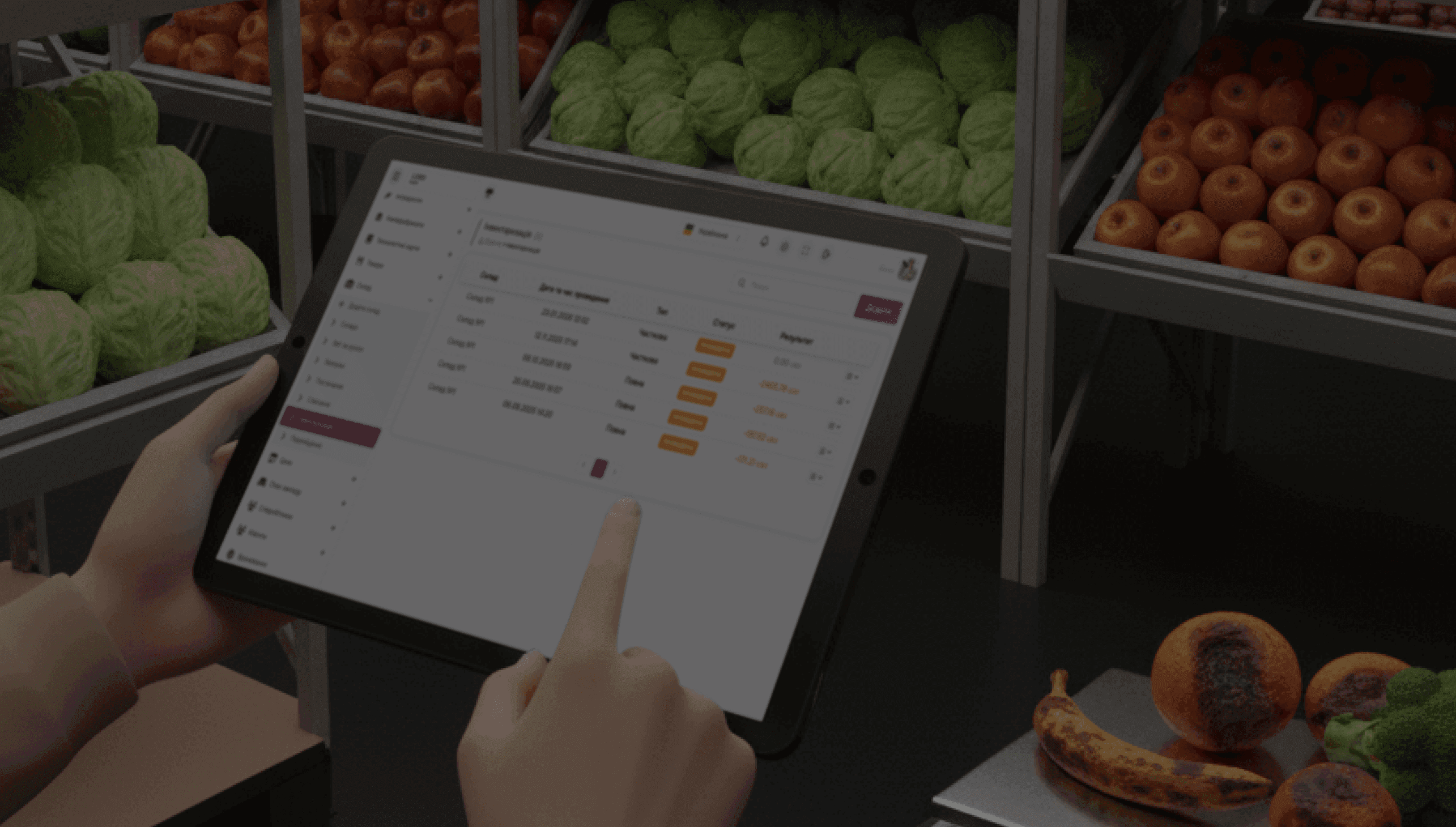
- Checkbox is a software cash register: fiscal receipts in a browser, a mobile app for Android and iOS, acquiring and more than 200 ready integrations with automation systems. The subscription is 348 ₴ per month per cash register (VAT included), the first 30 days are free.
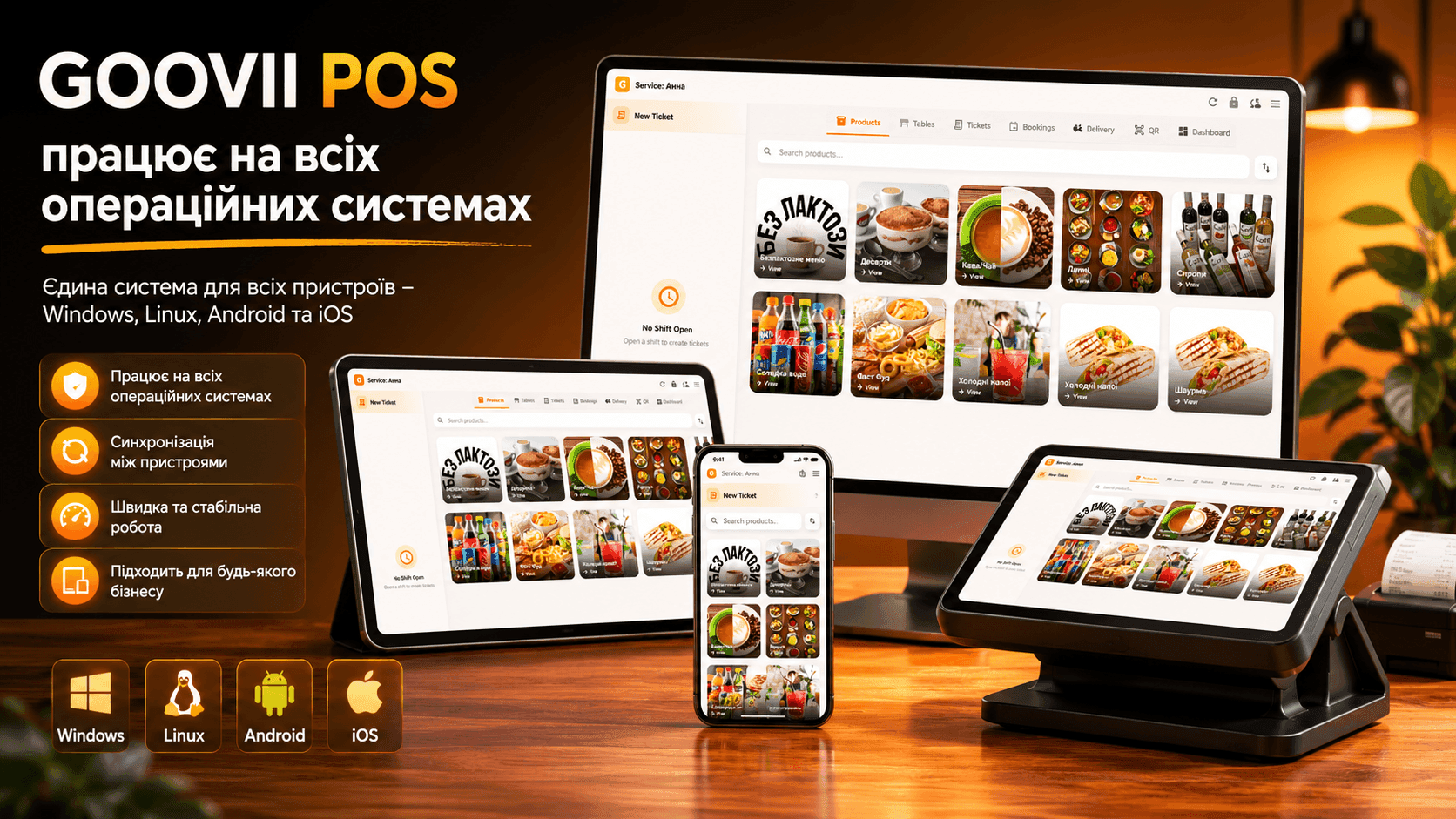
- Goovii is a system for the venue: POS, menu and recipe cards, inventory, kitchen screen, QR menu, loyalty and reports. PRRO is built in and included in every plan, plans start at 200 ₴ per month, the number of cash registers is unlimited, 15 days are free.
Comparison table
| Goovii | Checkbox | |
|---|---|---|
| What it is | Venue POS and accounting with PRRO | Software cash register (PRRO) |
| Price | From 200 ₴/month per venue | 348 ₴/month per cash register (VAT included) |
| Number of cash registers | Unlimited, the price does not change | A subscription for each cash register |
| Free period | 15 days | 30 days |
| Menu, inventory, recipe cards | Included in every plan | Through integration with an accounting system |
| Kitchen screen, bookings, QR menu | Included in every plan | Through integration with an accounting system |
| Devices | Android, iPhone and iPad, Windows, browser | Browser, Android, iOS |
What it costs: an example
A coffee shop with two cash registers — at the coffee machine and at the takeaway window — and a menu of 80 items.
- Checkbox: 2 × 348 = 696 ₴ per month for fiscalisation alone. Menu, inventory and cost accounting has to be kept in a separate system connected to Checkbox — and paid for separately.
- Goovii: the Lite plan — 400 ₴ per month for everything together: both cash registers with PRRO, the menu with recipe cards, inventory and reports. A third cash register or a waiter’s phone does not change the price.
When Checkbox is better
- You only need fiscal receipts and do not keep track of products.
- You already have an automation system you are happy with, and it is integrated with Checkbox.
- You are building your own system and want fiscalisation through an API.
When Goovii is better
- You need not only fiscalisation but also venue accounting: menu, inventory, cost, staff and reports — in one program.
- The venue has several cash registers or waiters with phones — paying for each cash register separately does not pay off.
- You need a kitchen screen, table booking or a QR menu without separate services.
- Working without internet matters: the cash register sells and prints receipts during a blackout, and PRRO switches to the State Tax Service offline mode.
How to switch to Goovii
- Sign up — 15 days free, no card needed.
- Add the menu by hand or move it from Poster.
- Register the Goovii PRRO with the tax authority — step by step in the guide for sole proprietors.
- Install the cash register on a tablet, phone or computer, or open it in a browser.
Full Goovii prices are on the Pricing page. Checkbox prices are given according to the checkbox.ua website as of 3 November 2026; check the current terms on the Checkbox website.