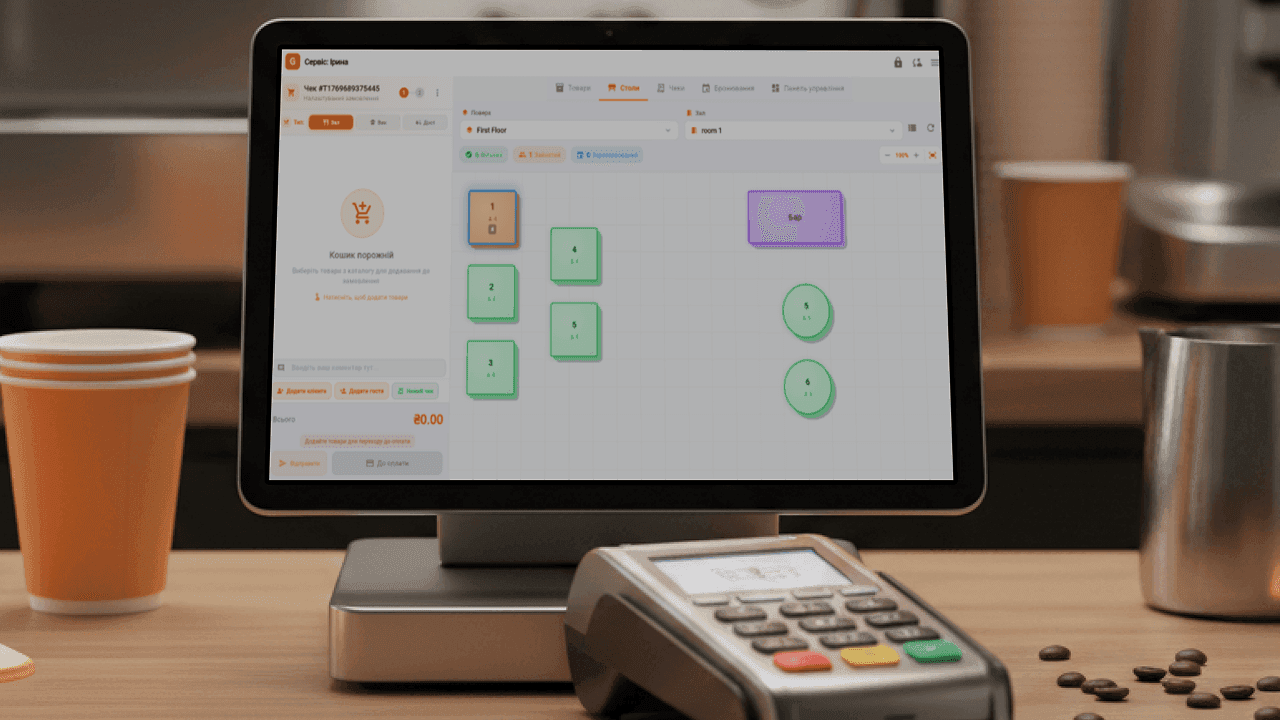
Changing your POS system feels scary: it seems you'll have to close the venue, re-enter the whole menu and retrain your staff. In reality, the switch can be done in a few days without stopping sales. Here's how to do it if you currently use Poster or any other system.
Why venues change their POS system
- Separate fees for the PRRO (software cash register), inventory or each register.
- Missing features: recipe cards, loyalty, a kitchen display.
- The register depends on a stable internet connection.
- Reports show only revenue, not profit.
What gets transferred
The essentials: your menu with prices and categories, recipe cards and ingredients, stock levels and your customer base. Our team helps transfer this data so you don't have to enter everything by hand.
Migration plan
- Sign up for Goovii — 15 days free, no card required.
- Transfer your menu and recipe cards together with our team.
- Connect your hardware: the register on a tablet or PC, a receipt printer, a bank terminal. As a rule, the equipment you already have will work.
- Register a PRRO for Goovii or use an already registered point of sale — the PRRO is built into the register.
- Run a stocktake on the day of the switch so your inventory starts with accurate stock levels.
- Train your staff — a quarter of an hour is usually enough for basic register work.
How to keep your venue running
Set up Goovii alongside your old system: the menu, recipe cards and hardware are configured in advance. Choose your quietest day for the switch — close the shift in the old system in the evening and open the next one in Goovii in the morning.
What you get after switching
A register with a built-in PRRO, inventory with recipe cards, reports showing net profit, loyalty, a QR menu and unlimited registers — with no extra charges for each module. Learn more about switching in the article "Switching to the Goovii POS system from any other system".
Frequently asked questions
How long does switching to Goovii take?
Usually a few days: the menu, recipe cards and hardware are prepared alongside the old system, and the switch itself happens between two shifts.
Will I need to buy new hardware?
As a rule, no. The Goovii register runs on Android, Windows and iOS, works with Wi-Fi and Bluetooth receipt printers and with bank terminals.
Can I try Goovii before switching?
Yes. The first 15 days are free with no card required, so you can set up and test the system before giving up your old one.